How to Cancel Free Streaming Trials Before They Auto-Charge in 2026
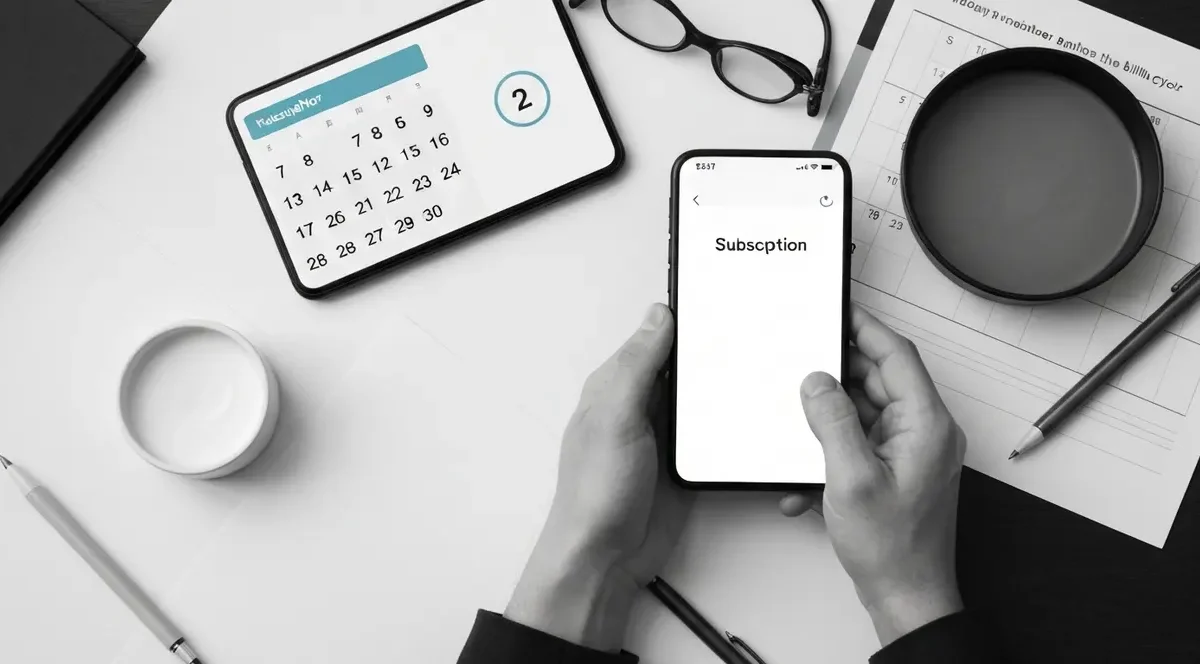
Three numbers to sit with: $7.99, $12.99, $17.99. That’s Netflix’s ad tier, Apple TV+, and the Disney+/Hulu ad bundle in 2026. Forget to cancel all three after a trial and you’re $39 lighter the next morning, not counting tax. Learning how to cancel free streaming trials before they auto-charge is the closest thing to free money in this category, and most people skip it because they trust their memory.
Memory is the trap. Self Financial’s 2026 survey found that 70% of Americans admit they’ve forgotten to cancel a free trial at some point, and C+R Research pegs the average waste at about $204 per year on subscriptions nobody actually uses. The fix isn’t willpower. It’s a calendar reminder, knowing exactly where the cancel button hides, and recognizing the dark-pattern menus designed to make you give up halfway through.
The math on a forgotten trial is worse than you think
Let me show you the math. A “free” Apple TV+ trial you forgot for two months is $25.98. A Disney+/Hulu no-ads bundle forgotten for three months is $59.97. Netflix Premium for a single overlooked month is $24.99. None of those feel catastrophic on a statement, which is exactly why they hide in plain sight. Deloitte’s 2025 Digital Media Trends report found the average American now pays for four streaming services at a combined $69 per month, up 13% year over year, and most people underestimate their subscription spend by 2.5x.
Before you even start a trial, three things go on the calendar:
• Trial end date minus 2 days. Not the day of. Cancellation pages crash, payment methods get stuck, support queues fill up. Give yourself a buffer.
• The exact billing tier you’d be charged. Write it down. “$17.99 Hulu no-ads” is more motivating than “Hulu.”
• Which device/account you signed up on. This matters more than it sounds. An Apple TV+ trial started through an iPhone can only be canceled in Apple ID Subscriptions, not in the Apple TV app.
Do that once and you stop paying the forgetfulness tax.
The $32 per month JustCancel cites as the average waste on forgotten subscriptions isn’t theoretical. I’ve pulled my own card statements and found a Paramount+ charge running for five months after a “free week” I signed up for to watch one football game. That single oversight cost me roughly $60. The annoying part is I knew better. I just didn’t put it on the calendar the day I signed up.
Where the cancel button actually hides on each service
Netflix is the cleanest cancellation flow of the major streamers, which is rare. Log in on a browser, click your profile avatar in the top-right, choose Account, then under your membership plan click Cancel Membership. You’ll see a confirmation page, and your access continues until the paid period ends. No phone call, no “are you sure” loop with three layers of retention offers.
Hulu is where dark patterns earn their name. The official path is log in, click your profile icon, select Manage Account, scroll to the Account section, click Cancel under Your Subscription, then choose Continue to Cancel when Hulu offers you a pause or a downgrade to ad-supported. There’s usually a second screen offering a discounted month. Continue to Cancel again. Only the final confirmation actually ends the billing. If you signed up through Apple, none of those buttons work; you have to cancel in Apple ID Settings instead. Hulu’s subscriber agreement also requires you to cancel before 11:59 PM ET the day before your term ends, which is more aggressive than most.
Apple TV+ is the menu where most people give up. The trial is 7 days for new subscribers at $12.99 per month after, and you can’t cancel from inside the Apple TV app. The path is Settings on your iPhone or iPad, tap your name at the top, tap Subscriptions, find Apple TV+, then Cancel Subscription. On a Mac it’s System Settings, your Apple ID, Media & Purchases, Manage, Subscriptions. Apple requires cancellation at least one day before renewal to avoid the charge. Honest confession: I’ve fallen for this two-step menu twice. Now I set the reminder for day 5 of a 7-day trial.
Disney+, free-trial deserts, and the third-party loophole
Disney+ no longer offers a direct free trial on its own site in 2026. The only $0 options route through partners: a 3-day Hulu + Live TV trial that includes Disney+, or a carrier deal like Verizon’s “Disney+ on Us” giving up to 6 months free with select plans. Those promos auto-roll into paid plans the same way standalone trials do, and they’re often harder to cancel because the billing relationship is with the partner, not Disney.
If you signed up through Verizon, the cancel path is in your Verizon account under add-ons, not in Disney’s settings. If it was via the Hulu + Live TV bundle trial, you cancel inside Hulu and lose Disney+ as part of that. The Disney+/Hulu bundle itself runs $12.99 with ads or $19.99 without, and the Disney+/Hulu/ESPN bundle is $20 with ads or $30 without. A forgotten ESPN-included bundle for two months is $60. That’s the kind of charge that makes you stare at a statement and try to remember what game you wanted to watch.
Back when I worked closer to the deal-blog grind, the conventional advice was always “the free trial is the win.” In practice it’s the opposite. The wins are the carrier-bundled months, the annual prepay discounts at sign-up, and the rotating off-peak promotions retailers email to subscribers. Free trials are calendar work; the other three are real savings. The textbook says “stack everything.” Real life says “stack the things that don’t punish you for forgetting.”
The services that still force a phone call (and the law that almost fixed this)
A handful of holdovers still require you to call to cancel, particularly some legacy cable-bundled streaming, certain SiriusXM plans, and a few niche sports packages. The FTC’s “click-to-cancel” rule, which would have required cancellation to be as easy as sign-up, was struck down in July 2025 before it could take effect. A bipartisan Unsubscribe Act was introduced in Congress in January 2026 to do something similar, but as of early 2026 it hasn’t passed either chamber.
What works in the meantime is treating any phone-only cancellation as a 20-minute appointment. Call during off-peak hours, usually mid-morning Tuesday through Thursday. Have your account number, the email on file, and the last four of your payment method ready. Decline every retention offer politely and repeat “I’d like to cancel today” until you have a confirmation number. Write the confirmation number down. If a charge appears later, that number is your dispute evidence.
For the trials that don’t require a call, a smarter approach beats playing whack-a-mole with five calendar alerts:
• Use a single payment method for trials only. A virtual card from Privacy.com or your bank’s virtual card feature lets you pause or close that card the moment a trial ends.
• Sign up on a browser, not the app. Browser sign-ups give you direct billing with the service, which is almost always easier to cancel than App Store or Google Play billing.
• Skip “free trial” framing when an annual prepay discount is available. Many services quietly offer 15 to 20% off an annual plan at sign-up, and that’s real savings with no cancellation game.
• Audit quarterly. Open your card statement, search “recurring,” and ask yourself if each charge earned its keep this quarter.
Four habits, maybe 30 minutes of setup, and the forgotten-trial tax basically disappears.
Your decision in 3 steps
The non-obvious truth about streaming trials is that the cancellation flow is the actual product the streamer cares about, not the show. Every dark-pattern menu, every “are you sure” loop, every Apple-vs-direct billing wrinkle exists because the math on a 5% accidental retention rate funds entire content slates. Your job is to be in the 95%.
Three reader profiles, three plays:
• Casual viewer, 1 to 2 services active: use trials freely, but only sign up on a browser with a virtual card and set the cancel reminder for trial day minus 2. Annual cost of forgetting: near zero.
• Heavy streamer, 4+ services and bundles: stop trialing entirely. Pick two services you actually watch, prepay annually for the discount, and rotate the third slot quarterly based on what’s airing.
• Household with shared accounts: centralize all streaming on one card and one email, run a monthly 10-minute audit, and kill anything nobody watched in the last 30 days.
Specific to your situation, not generic advice.
Two complications I see every month. First, partner-billed trials (Verizon, T-Mobile, Amazon Channels) often have a different cancellation window than the streamer’s own terms, and people cancel on the wrong site. Always cancel where you signed up. Second, “pause” offers are not cancellations. Hulu and Disney+ both push pause buttons that look like exits but only delay billing by 1 to 3 months. Read the confirmation screen before you close the tab.
This week, open your last two months of card statements, list every streaming charge with the exact dollar amount, then log into each service on a browser and check the next billing date. For any service you haven’t watched in 30 days, cancel today, not “soon.” For a sanity check on current prices and trial terms, the Federal Trade Commission publishes consumer guidance on subscription cancellations, and Consumer Financial Protection Bureau handles complaints when a service refuses to honor a cancellation. Bookmark both before you need them.